Keeping track of assets across multiple locations can be difficult. Equipment gets moved, maintenance gets missed, and important details are often stored in spreadsheets, emails, or paper records.
WorkWizard helps you organize every asset in one place so your team can track status, maintenance history, assignments, and important details from a single dashboard.
Keep Every Asset Organized and Easy to Track
From equipment assignments to maintenance history, WorkWizard’s Asset Management feature helps you keep every important asset detail organized and easy to access. By centralizing asset information, statuses, QR codes, maintenance logs, and location assignments, WorkWizard helps reduce downtime, improve visibility, and keep your team aligned across every location.
Why Asset Management Matters
Know Where Your Assets Are and What Condition They Are In
From kitchen equipment and tablets to vehicles, tools, printers, and electronics, keeping track of business assets is essential for smooth operations.
WorkWizard helps your team stay organized by giving you visibility into asset status, maintenance history, ownership, assignments, and replacement needs across every location.
Track assets across every location
Monitor current asset status and availability
Keep maintenance records in one place
Assign assets to users or locations
Generate QR codes for easier tracking
Feature Overview
WorkWizard gives you a complete asset management system designed for multi-location businesses. Keep all asset information, maintenance records, assignments, and activity history organized in one place.
Track Asset Details
Keep Important Information Organized for Every Asset
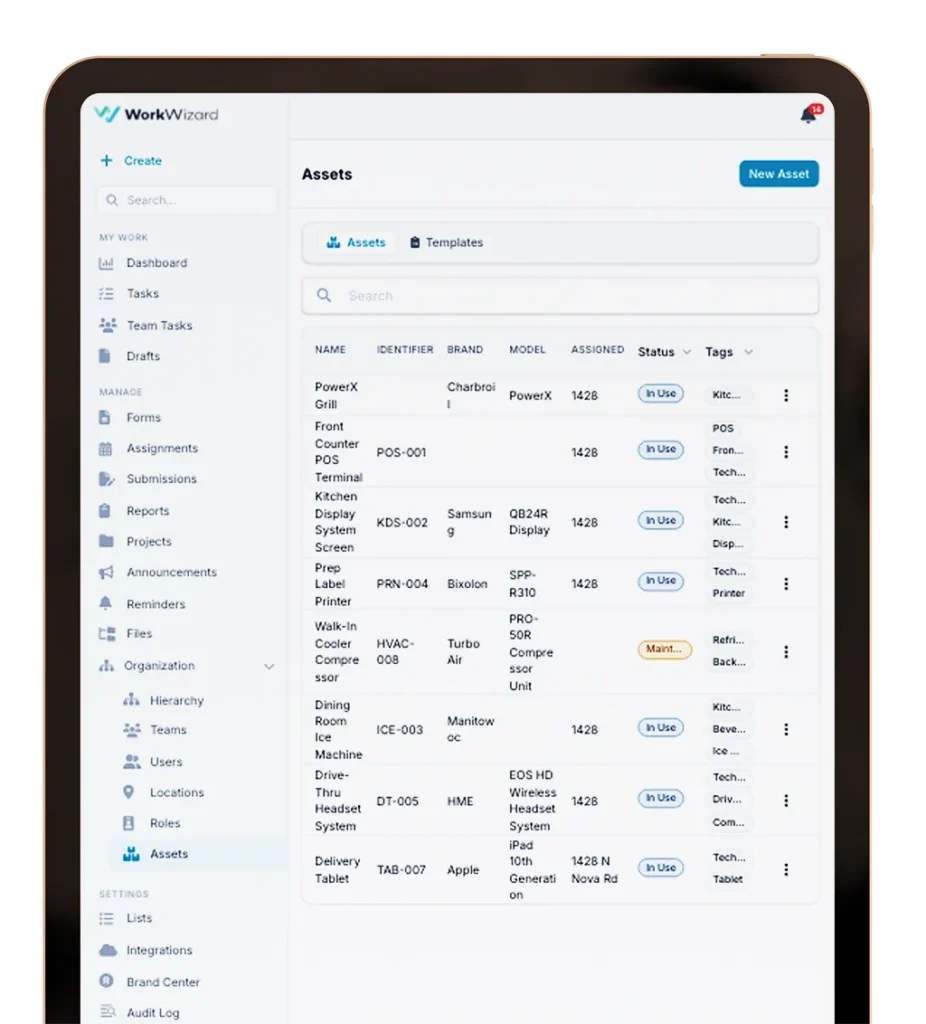
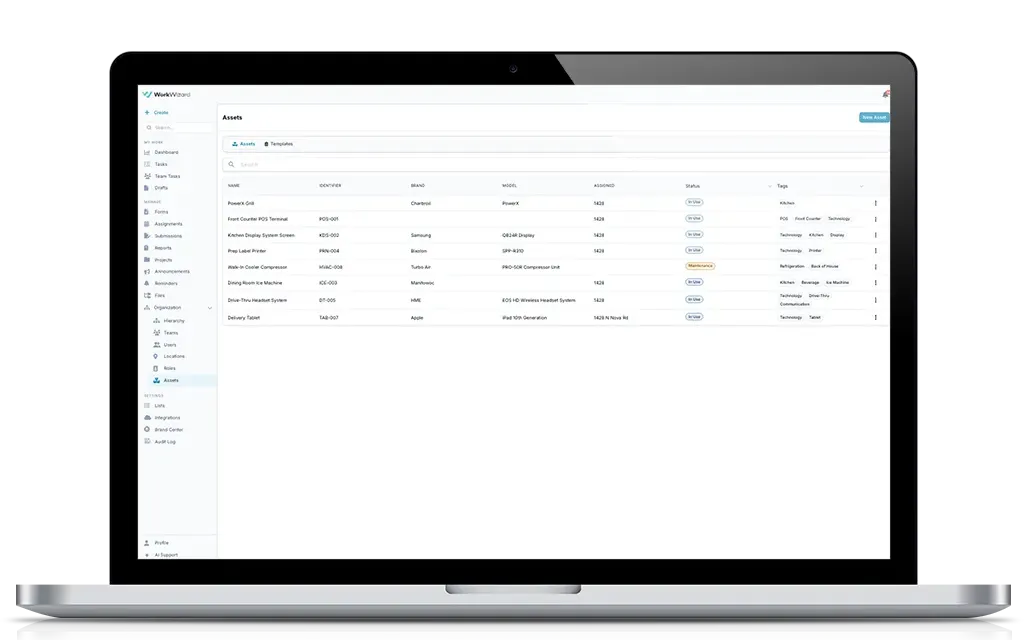
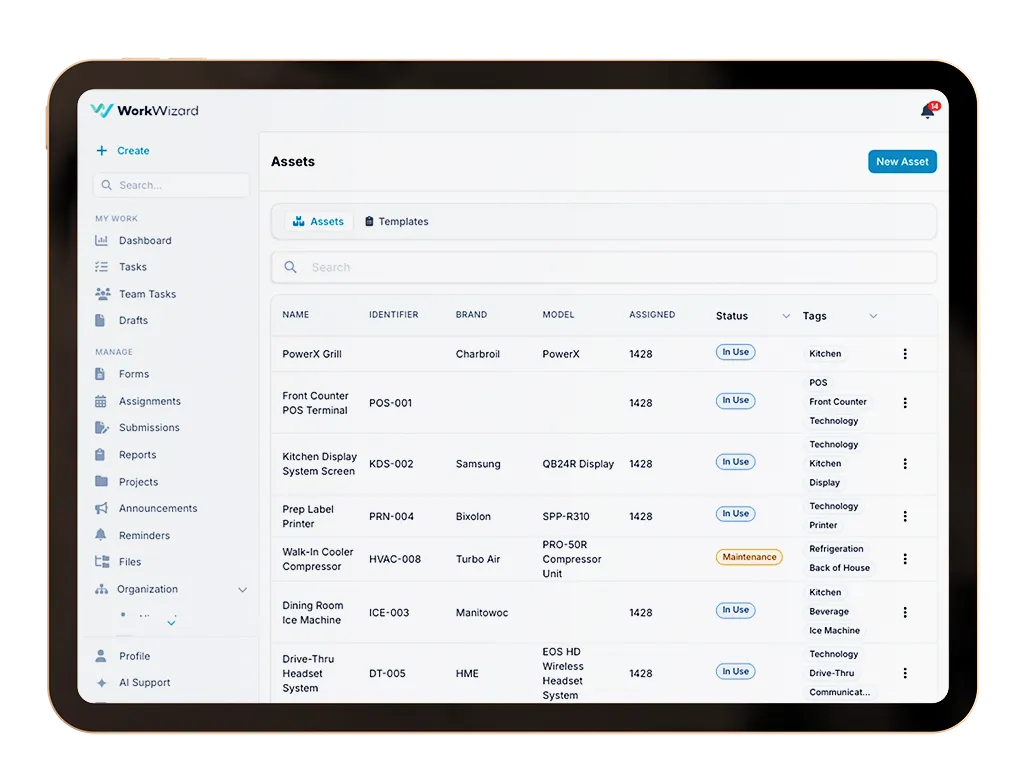
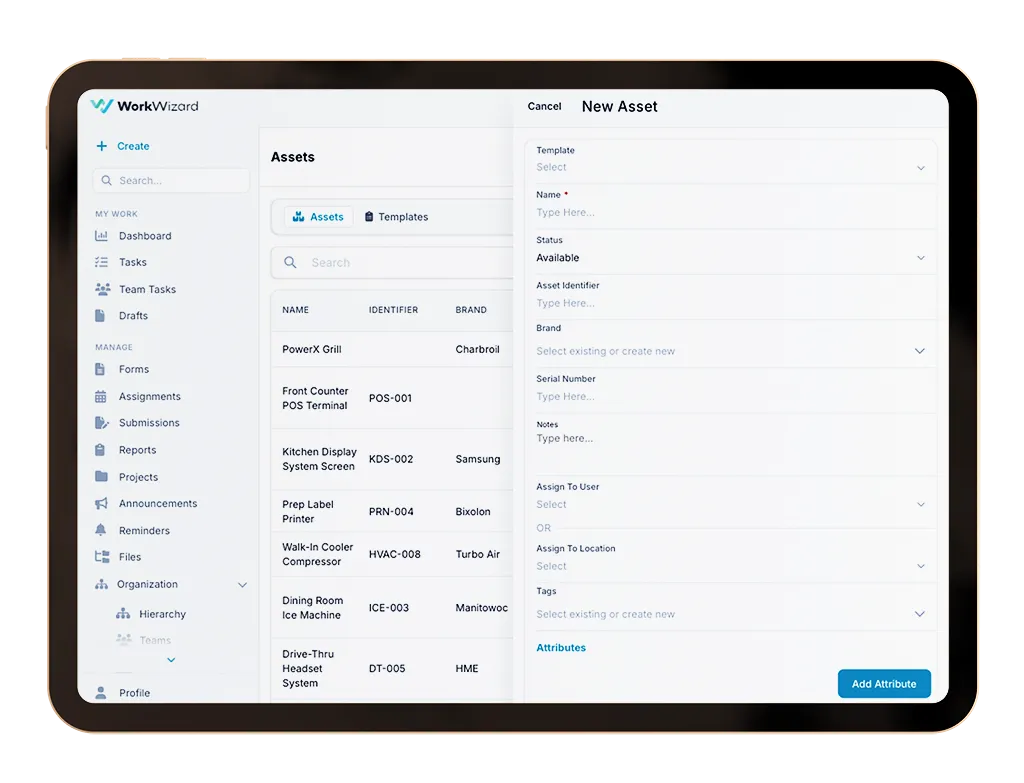
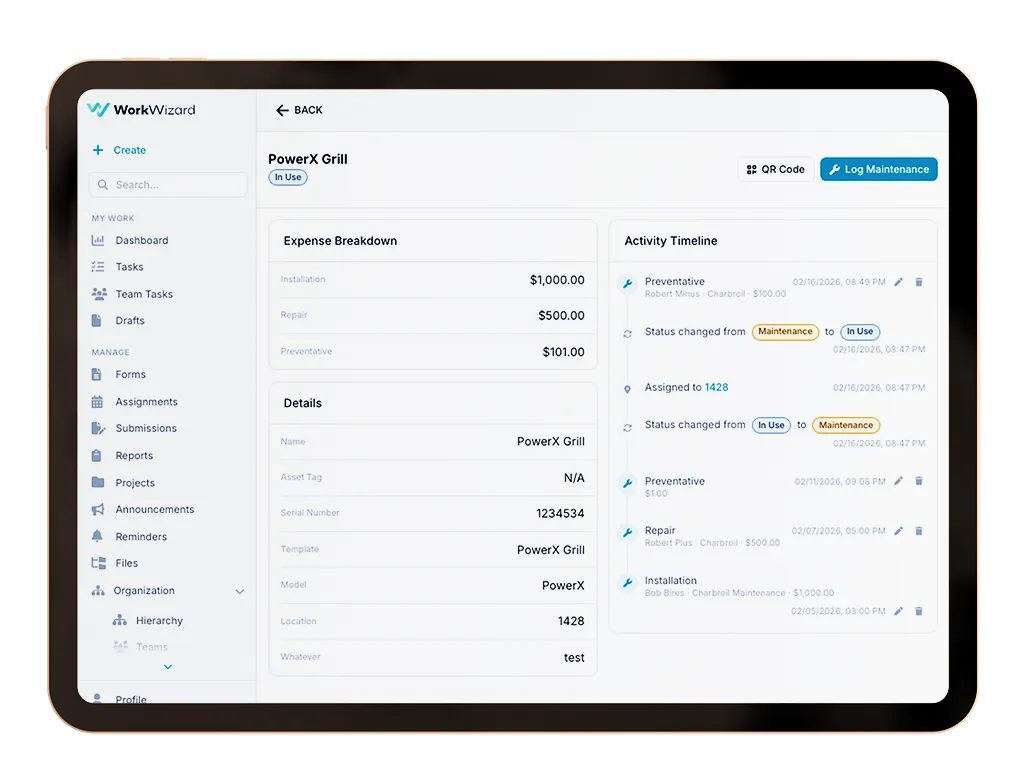
Store all of the important information related to each asset in one place. Track the asset name, unique identifier, brand, serial number, status, tags, notes, and other important details that help your team quickly identify and manage equipment.
WorkWizard also allows you to track the current state of the asset including whether it is available, unavailable, in use, under maintenance, retired, or missing so your team always has an up-to-date view of asset availability.
Assign Assets to People or Locations
Know Who Has It and Where It Belongs
Assign assets to individual users, departments, or specific locations so there is always clear accountability for where equipment is located and who is responsible for it.
Whether you are tracking tablets, printers, tools, vehicles, or specialized equipment, WorkWizard helps your team avoid confusion by keeping assignments organized and visible.
Create Custom Asset Attributes
Capture the Details That Matter Most
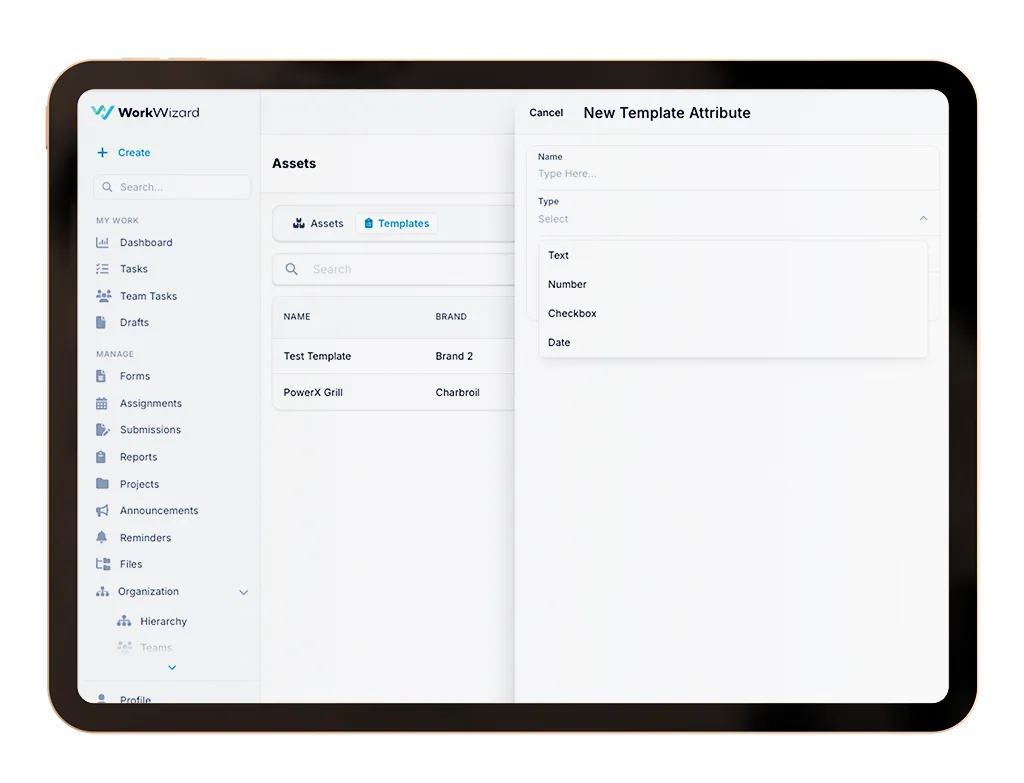
Every business tracks different information for its assets. WorkWizard allows you to create custom attributes so you can store the exact information that matters to your team.
Create custom text, number, checkbox, or date fields for things like warranty dates, dimensions, service intervals, model numbers, installation dates, inspection requirements, or any other information related to the asset.
Build Reusable Templates
Speed Up Data Entry for Similar Assets
For businesses managing multiple assets of the same type, WorkWizard makes data entry faster and more consistent with reusable templates.
Templates allow you to predefine the fields, attribute types, and required information for common assets so your team can quickly add new equipment without starting from scratch every time.
Generate QR Codes for Tracking
Make It Easy to Find and Manage Assets
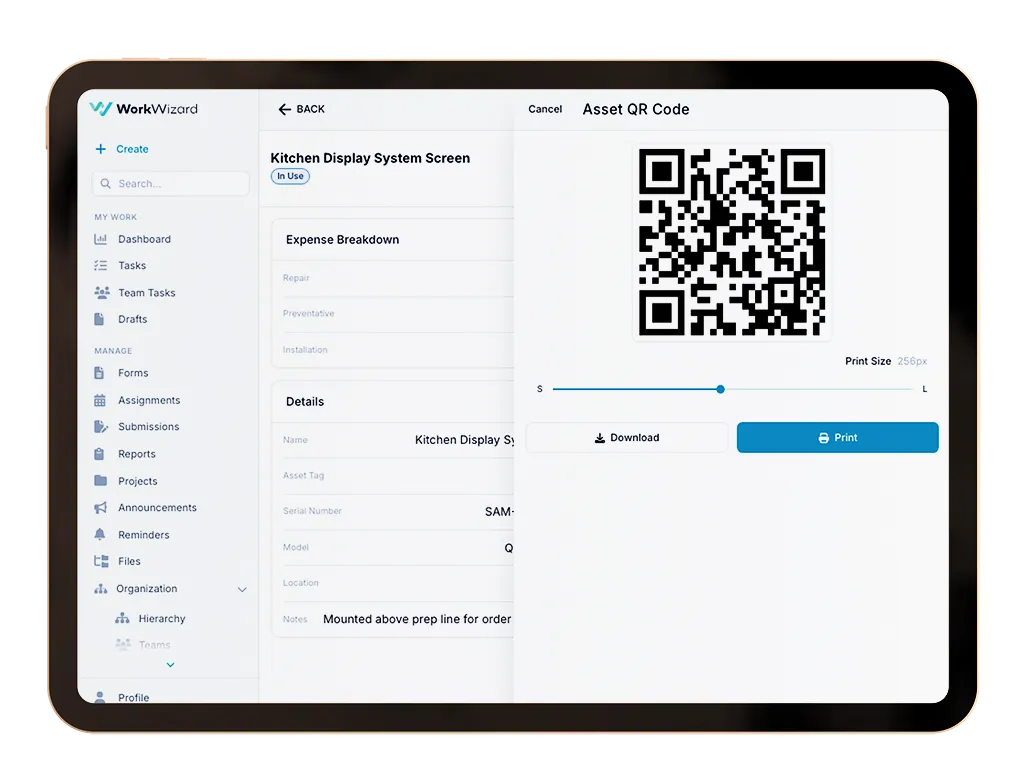
Generate QR codes for assets to simplify tracking, identification, and day-to-day management across locations.
QR codes can be placed directly on equipment so employees can quickly scan an asset to view important information, maintenance history, status updates, and other details without searching through spreadsheets or paperwork.
Log Maintenance History
Track Repairs, Inspections, and Service Costs
Keep a complete maintenance history for every asset including preventative maintenance, inspections, repairs, installations, and cleaning.
Track the maintenance date, vendor, technician, cost, notes, and service type so your team can better understand the total cost of ownership and identify assets that may be creating ongoing issues.
Built for Multi-Location Operators
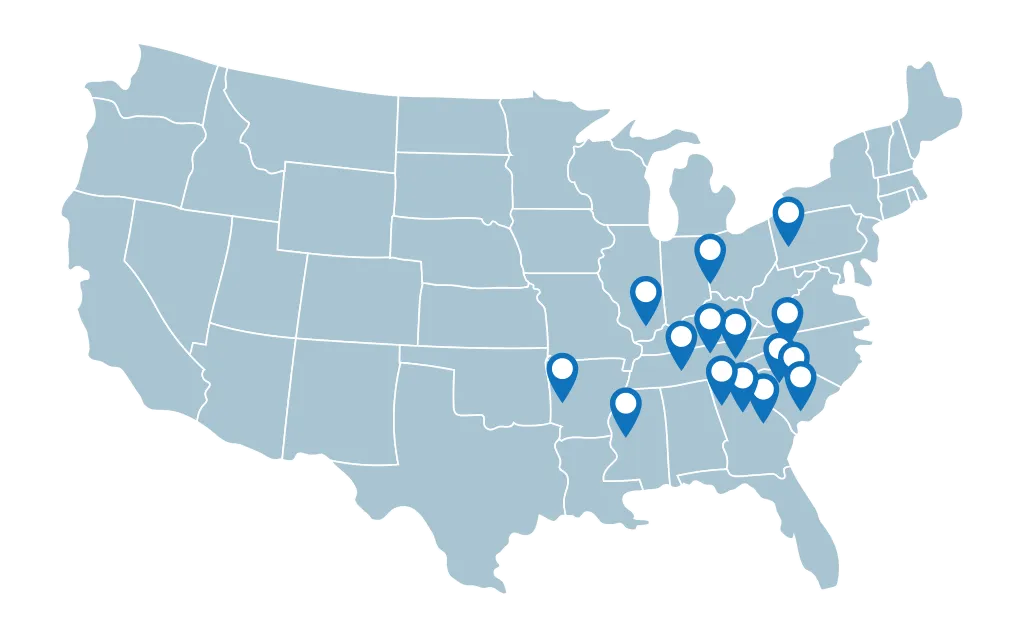
Managing assets across mulitple stores, facilities, offices, or job sites can be difficult without the right system in place
WorkWizard helps multi-location operators keep track of assets across every location so equipment stays organized, maintained, and easy to find.
Restaurants
Retail Chains
Hospitality Groups
Healthcare facilities
Warehouses
Multi-Unit Operators
Get Started
Request a Product Demo
See how Work Wizard is the best platform to manage your day-to-day operations.