Tasks, audits, food safety, and team accountability — built for multi-unit restaurant operators. Whether you’re evaluating your current platform or comparing a few, here’s what actually matters once you’re running 4+ locations.
Three Things Worth Checking Before You Sign
Pricing Built for Your Size, Not Enterprise Math
Most operations platforms are priced with national chains or enterprise buyers in mind — modular add-ons, sales-discretion quotes, or plans that assume hundreds of locations. WorkWizard pricing is scaled to your location count and feature mix from the start, so operators running 4 to 20 locations aren’t paying enterprise rates for capacity they’ll never use. We’ll quote your exact price during the demo — no back-and-forth required.
Built for Multi-Unit From Day One
A lot of operations software started life solving a different problem — compliance logging, IT asset tracking, single-location scheduling — and was adapted later to sell to multi-unit operators. WorkWizard was built from day one for the operator running 4 to 20 locations who needs consistency and accountability across every site, not retrofitted from something else.
One Platform, Not a Patchwork of Tools
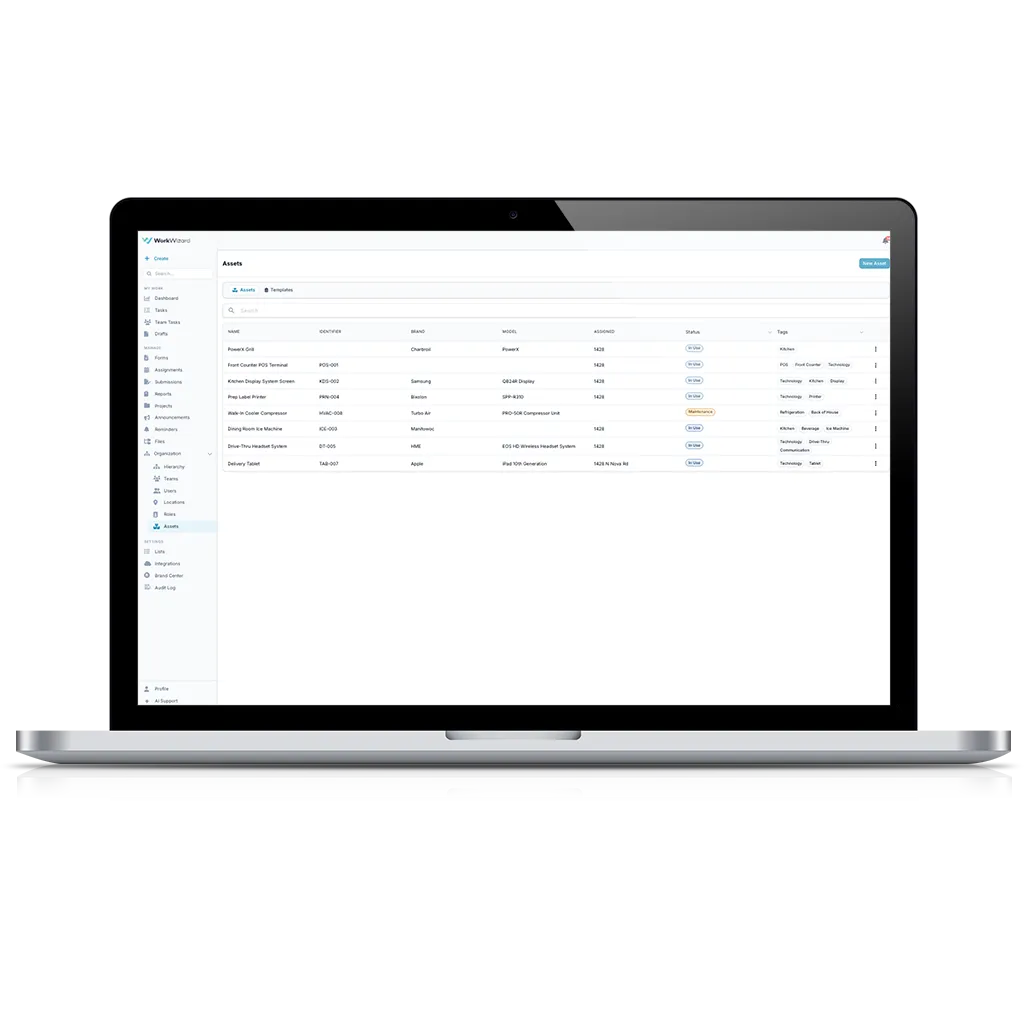
Tasks, audits, lease renewals, and equipment tracking often mean stitching together three or four separate subscriptions. WorkWizard brings tasks, audits, announcements, lease management, and asset management into one platform — including lease management, a feature most operations software doesn’t offer at all.
Comparison Table
What to Ask Any Platform Before You Switch
What to ASk
WorkWizard
Other Platforms
Is pricing scaled to my location count, or built for enterprise?
Scaled by location
Worth confirming — many are enterprise-first
Do I need a separate tool for lease renewals?
Available
Usually a separate tool or spreadsheet
Do I need a separate tool for equipment/asset tracking?
Available
Usually a separate tool
Are there setup fees or multi-year lock-in?
No setup fees
Varies widely — ask before you sign
How long does onboarding actually take?
Most teams are live within a week
Ask — some platforms take months
Was it built for multi-unit operators, or adapted from something else?
Built for multi-unit from day one
Worth asking about their origin
The Switch
Switching is easier than you think.
Most teams are up and running within a week. We migrate your existing checklists and audits. We train your team. We don’t charge setup fees. If you’re currently evaluating a platform switch, the demo will show you exactly what moves over and what stays the same.
See WorkWizard in Action
30-minute demo. No commitment. We’ll show you how multi-unit operators use WorkWizard to standardize ops across every location.
In the demo we’ll cover:
A live walkthrough of the platform — tailored to your operation
Real examples from operators running 4 to 20 locations
How tasks, audits, and announcements come together day-to-day
A custom pricing quote based on your location count
No high-pressure follow-up. Just an honest conversation about whether WorkWizard is a fit.